
Route.
On-demand moving services, now at your doorstep
Desktop and Mobile Web App
Route is a freight and on-demand services platform for Carriers, brokers and Shippers. This app is a solution for finding freight and custom services on the go. It provides customizable transportation brokerage platform for shippers, freight brokers, movers and other on-demand moving services.

.jpg)
Hop is democratising access to cryptocurrency, making it easier for everyone to buy and spend their crypto. They want to make sure that even your mum will enjoy using it!
One-stop solution to many services users require on a daily basis. Users can choose to use multiple services and track their shipments/orders from the app .User-friendly, easy to navigate and personalized experience for every user helps them to relate to the content they are viewing or uploading.
My Role
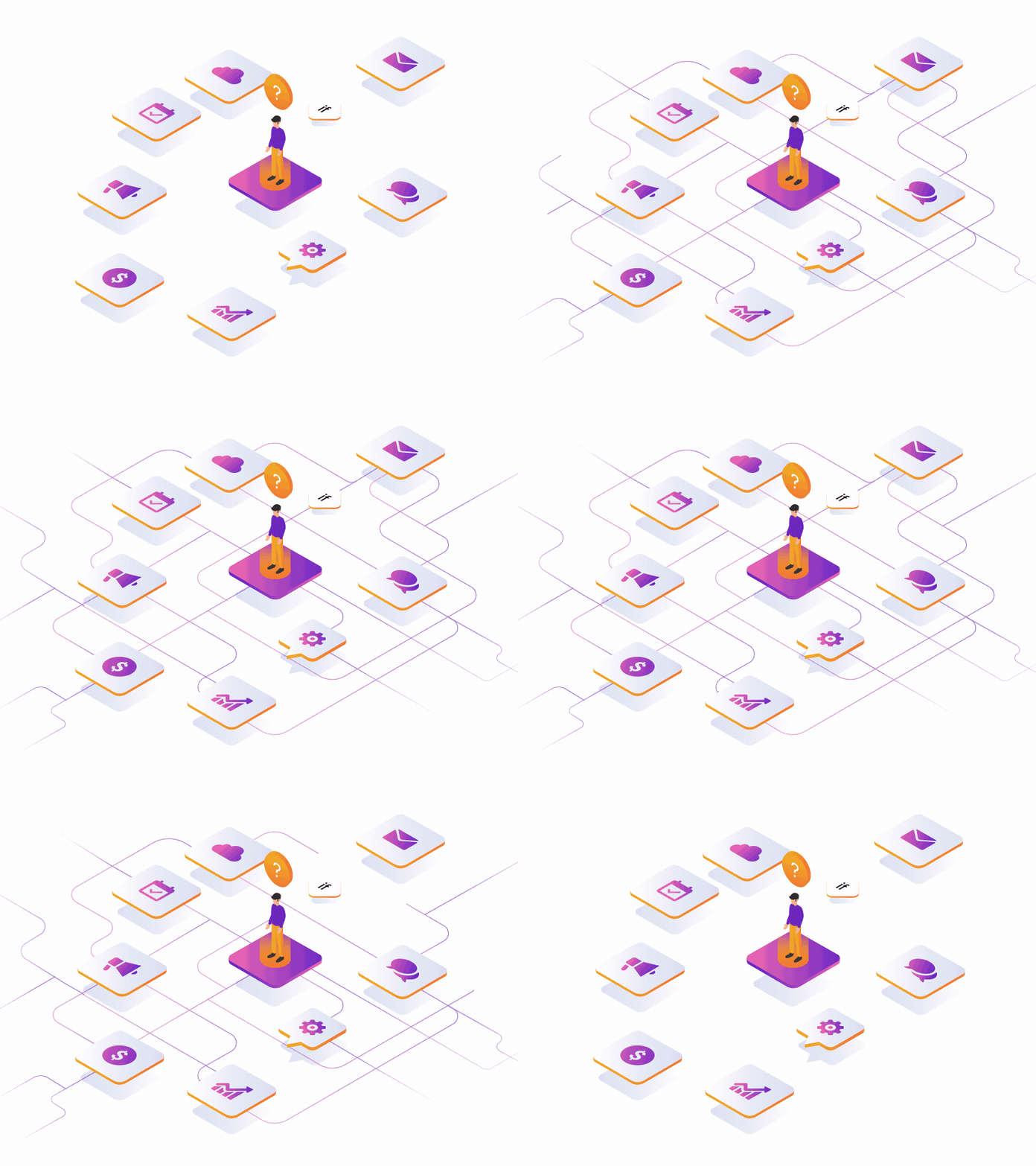
I was a part of the inception stage of Route- which was in the Idea phase which gave a lot of room for exploration and iterations.
Team - 3 UX Designers | 2 UI Designers | 1 Project Lead | 1 Project Manager | 2 Stakeholders | 5-10 Development team size
My Role - Senior UX Designer
My Tasks
UX Research | Scope Mapping | Creating Questionnaires | Client catchups | Creating business requirement documents
I. Setting up client interactions with the team to get regular feedbacks and updates
2.Mentoring and guiding UX team members to align design directions and concepts.
3.Creating quick concept sketches and wireframes
for early client feedback to discuss with team
Project Context
Project Brief
Route is the world’s first aggregated solution that connects the shipper to the carrier through the smartphone. This app is a solution for finding services for shipping on the go. It provides customizable transportation brokerage software for shippers, freight brokers, movers and other on-demand moving services.
It acts as a B2B, B2C and C2C platform for logistics services.
Team
We were a 10+ size team which included UX Designers, UI Designers, Team Leads, Illustrators, Project Managers and Developers. The project was a 9 month long assignment with initial 3 months UX Research + UX Design activity.
Research Methodologies
The research methodologies pre-dominantly followed were - Stakeholder interviews, Customer Interviews (on call) , Competitive Analysis , Secondary Research
Project Goals
Clean, minimalistic UI, suitable for supply chain and logistics
Simplistic, easy to adopt and use product for a wide range of age groups (25 - 65)
Our Approach
01
Primary Research
Primary Research was conducted with the Stakeholders and the end-customers who were a part of the logistics. Pain points & opportunity areas could be mapped with their insights.
04
Identifying Business Goals
It's important to manage both the business goals and the user goals. For the business goals, we wanted to show the client the type of value they expect from the product and advocate for the user to create the best user experience possible.
02
Secondary Research
A list of blogs about auctioned cars, logistics could help us understand how the industry worked. A couple of initial research articles shared by the client were referred to understand the flows.
05
Mapping user goals and Persona mapping
All the User research inputs and insights were mapped to an Experience map based on the personas identified.This helped map all possible task flows and iterate better.
03
Market Analysis
A Competitive Analysis report was created taking into consideration the competitors in the marketplace who were in the similar domain.An ideal USP was mapped out which later was integrated in design.
06
Journey Maps & Information Architecture
All the task flows analyzed helped us create an information architecture to connect the dots and look at the whole picture. Any new features identified were added to this flow to make it smoother.
Process
Research. Collaboration Iteration. Test


Vision of the design engagement
We collaborated with the Stakeholders at Route in imagining the entire experience. With a team of designers and developers we reviewed the interactions followed by users and how they'd find it easy and seamless to navigate through. Following multiple iterations and what worked best we created a fluent navigation that followed a user centric approach.
Creating step by step processes for the assignment, templates and clauses helped in maintaining the hygiene of the projects. It also brought in consistency in the processes used internally within the same organisation. The exercises of content mapping and card sorting further helped us define a better scope and a better structure leading to a better user experience for the consumer and for the business.
How does the shipping experience look like today?

Outdated technology
and processes
No transperancy
Communication on calls/emails/messages
Visibility for Location,
Shipment and condition
Legacy dashboards and old systems make it a cumbersome process in B2B industries
There is no transparency in terms of people communications, movement of goods, payments,
Profit, loss and sales accounts
No unified platform for communication , need for a manual entry leads to errors
A much needed requirement for movement of goods is knowing the condition,time/place for the shipment which is haywire.
Business Requirements : Our way forward


Omni-channeling the Experience
One unified experience for all users to identify the shipments/service once it arrives till its delivered
Solving for Recurring Needs
Recurring needs which need regular follow-ups were identified
and mapped to provide timely services without spending much time
Contextual assistance for Users
We evaluated the content to make it apt for the project requirement document, ease of use, emotional connect, navigable & locatable, align with different personas,
Seamless Experiences
Connected dots, gaps in the experience to make sure the user does not feel disconnected at any stage in the process.
Activities Performed
1 Lead UX designer | 2 UX designers | 2 UI designers | 1 UI Lead | 1 Project Manager | 4 developers
We engaged in an exhaustive research on competitors, prevailing system followed by persona based journeys, scenarios, experience maps to come up with a spontaneous & effortless design.
Understanding of current pain-points faced by the stakeholders and end customers.
Mapping user roles and user goals to business needs and requirements.
Creating research documentation and crafting journey maps, experience maps and wireframes

Research activities
Stakeholder Interviews
Questionnaires
Competitive Analysis
Customer Interviews
Personas
.jpg)
.jpg)
User Tasks

.png)
Scenarios

Highway services
Cars breaking down on highways can be risky. Timely assistance is required in such cases to deal with safety issues, panic caused in such situations. Route wants to pitch in to help in such emergency cases and provide an experience which can be availed at any time by the user.
Information Architecture
.jpg)


Experience Imagined
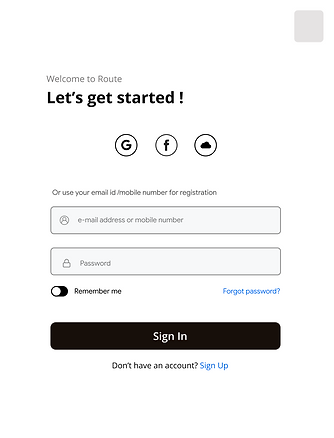


Mobile Experience
Personalized Onboarding
Personalizing the user onboarding wasnt just about adding a first name token to the emails. It was more about understanding each users' individual journey toward reaching their goals—and how the product can make them more successful and help them reach their goals faster and smarter
Building Context
The application functionality is highly tailored to the user’s context and preferences. Its important that the users have a context of what they can find on the app and what they can expect out of it. A quick glimpse of the platform helps users connect to their tasks and how they can achieve them.


.jpg)
_________________
_________________


Easy Signups
Once the user has created their profile, this information can be used to personalize the user experience, such as notifications and recommendations. 72% of users say completing the app onboarding process in less than a minute is an important factor in their decision to keep using an app.*
_________________
